
Features
Everything you need to run online exams
From writing questions to exporting scores. Every feature on this page is available to every organization, with no feature tiers.
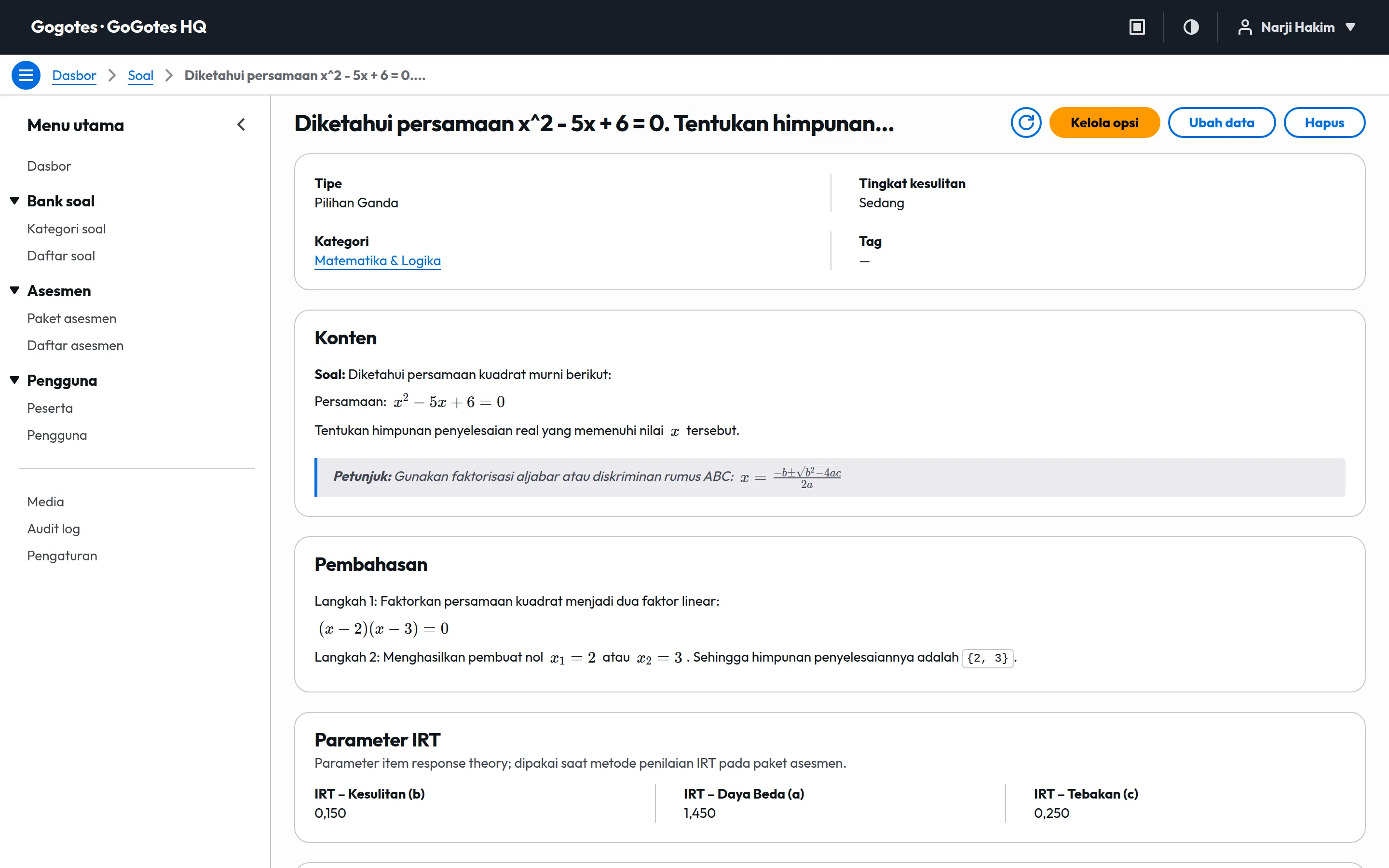
Question bank
7 question types in one bank
Write questions and explanations in a full text editor with math formulas and images from the media library, then set points for each answer option.
- Question types
- Multiple choice, multiple answer, short answer, essay, ordering, true-false, multi-statement true-false
- Content
- Rich text, math formulas (LaTeX), images from the media library
- Per-question scoring
- Points per option, wrong-answer penalty, never below 0
- Organize questions with categories and tags, including bulk tagging
- Duplicate questions to create variations quickly
- Give different points per option and penalties for wrong answers
- Store IRT parameters (difficulty, discrimination, guessing) per question
- Export the question bank to CSV or JSON Lines
Exam packages
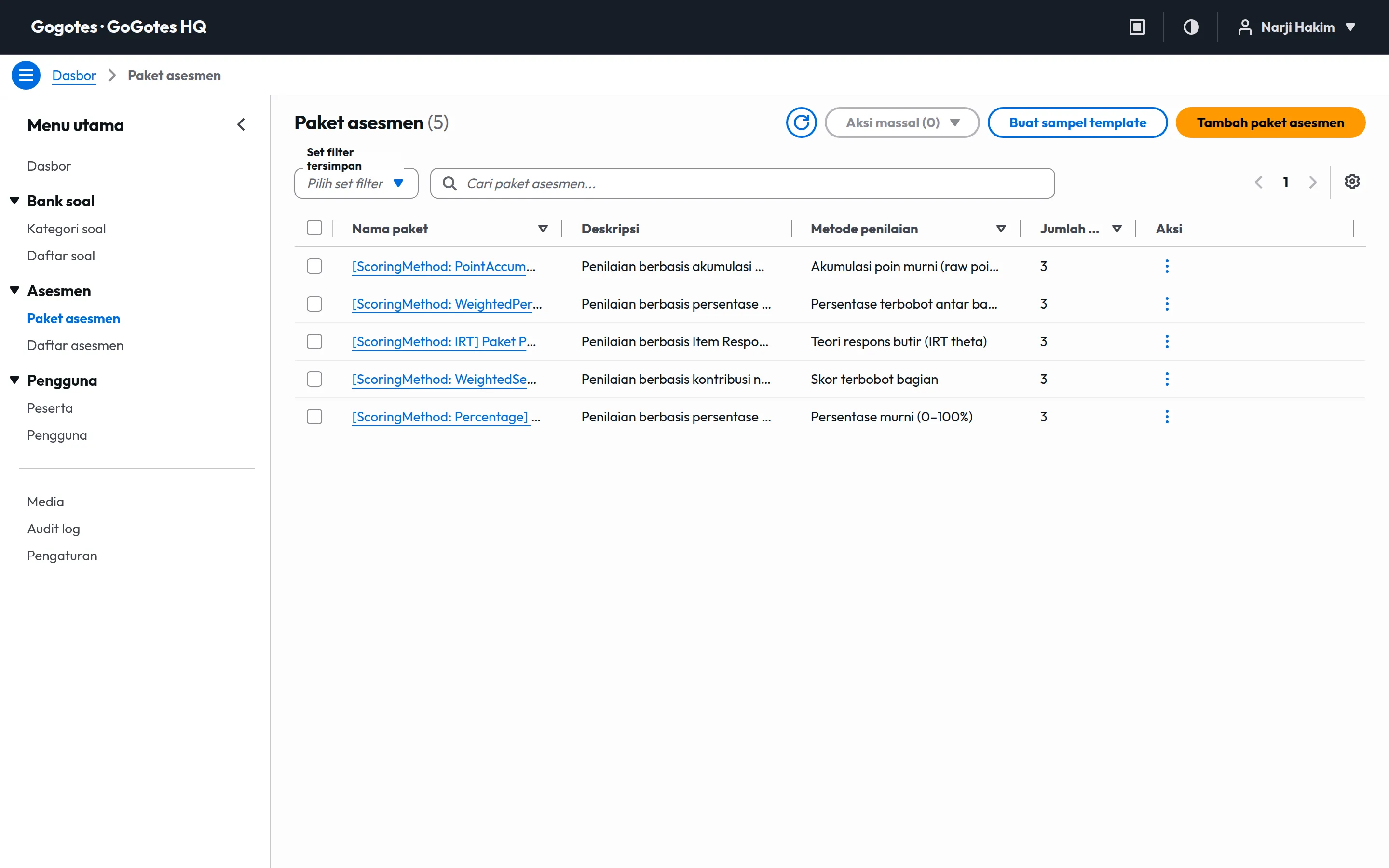
Packages and sections with their own weights
Split an exam into sections, for example per subject or per competency, and set how much each section counts toward the final score.
- Shuffle modes
- Fixed order, questions, options, questions and options
- Structure
- Packageweighted sectionsquestions
- Keep a fixed order, shuffle questions, shuffle options, or both
- Duplicate packages for make-up exams or next year
- Create a sample package to learn the platform quickly
Candidates & schedules
Candidates, assignments, and exam schedules
Create candidate accounts with IDs they already know, then assign exams with a start and end schedule.
- Candidate ID
- Your choice: student number, registration number, or employee number
- Portal
- Your organization subdomain with your logo and colors
- Add candidates one at a time or in bulk
- Set passwords in bulk and activate or deactivate candidates
- Group candidates with tags
- Candidates sign in to your organization portal with an ID and password
Exam sessions
Exam sessions that do not lose answers
Answers are kept on the candidate device and sent to the server at regular intervals. A dropped connection does not stop the exam.
- Answer storage
- On the device, synced to the server at intervals
- Answer conflicts
- The latest answer by the candidate device clock wins
- Candidates keep answering offline, and answers sync when the connection returns
- Each session is locked to one device
- Sessions close and are marked automatically when time runs out
- Results can be shown to candidates after they finish
Invigilation
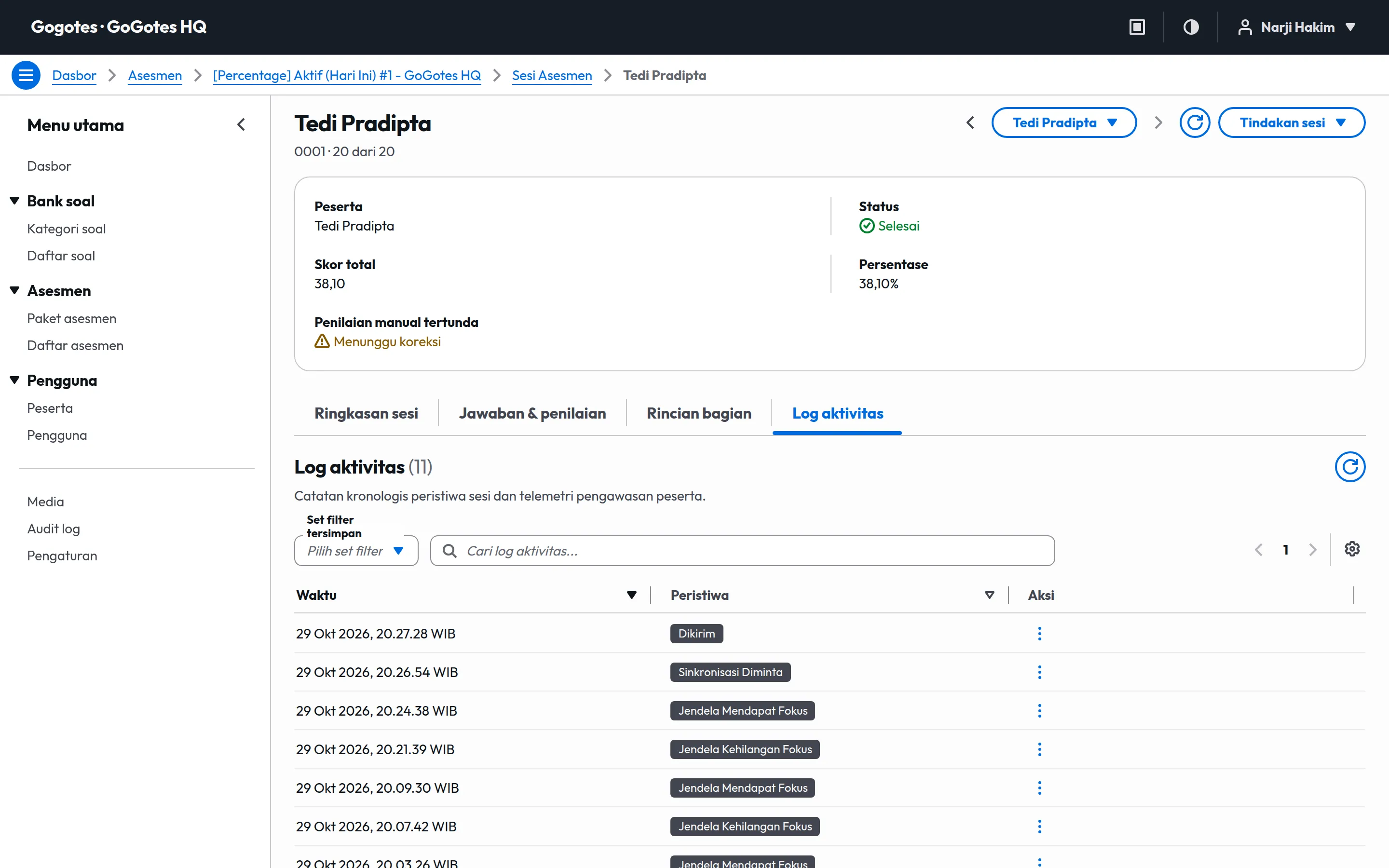
Activity logs and operator actions
Each session has a log of when the candidate started, left the exam tab, lost connection, and submitted.
- Events recorded
- Start, resume, tab left, tab returned, connection lost, connection restored, submit
- Time
- Organization time zone, with a UTC copy in exports
- See which candidates switched tabs and how often
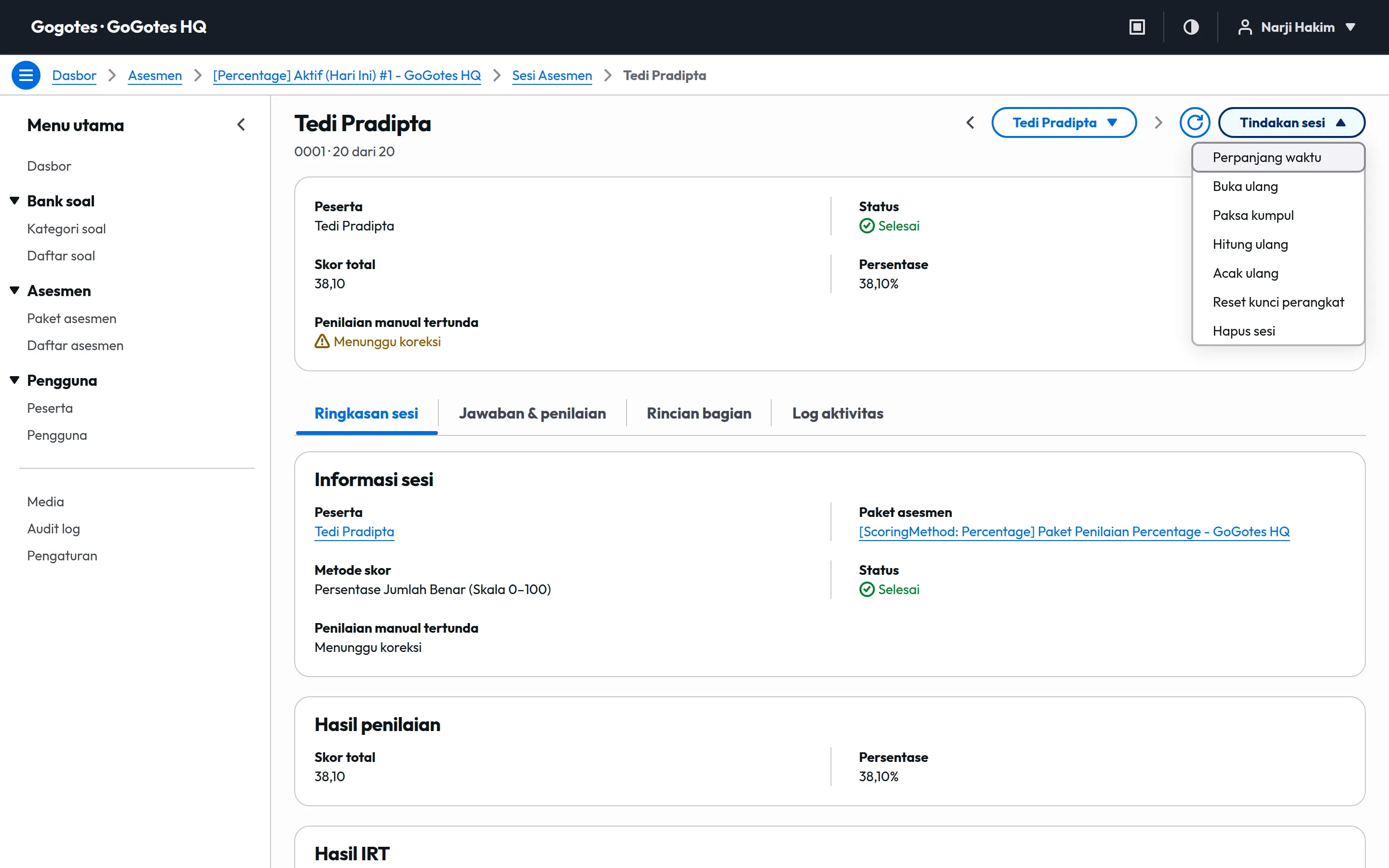
- Extend session time for candidates who had trouble
- Reopen, reset, or force-submit a session
- Reshuffle a session and reset its device lock
Scoring
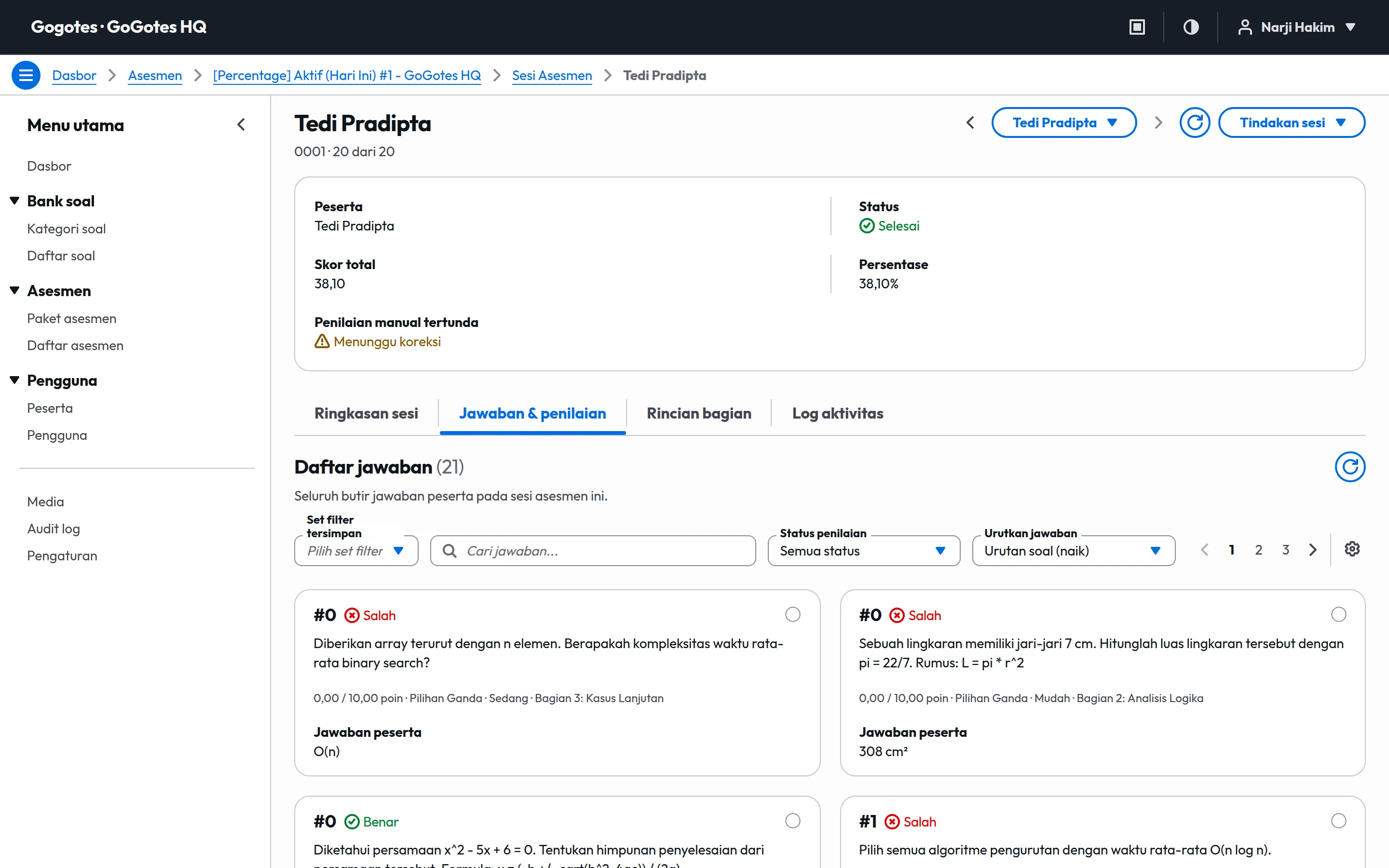
5 scoring methods and essay marking
Objective questions are marked automatically when a session ends. Essays go to a marking queue, and the final score is recalculated after marking.
- Methods
- Percentage, weighted percentage, point accumulation, weight per section, IRT
- Rounding
- Decimal places and rounding rule per organization
- Queue of unmarked essay answers
- Change an answer score and recalculate the session
- Estimate candidate ability (theta) with IRT
- Calibrate IRT parameters from exam results
Organization & team
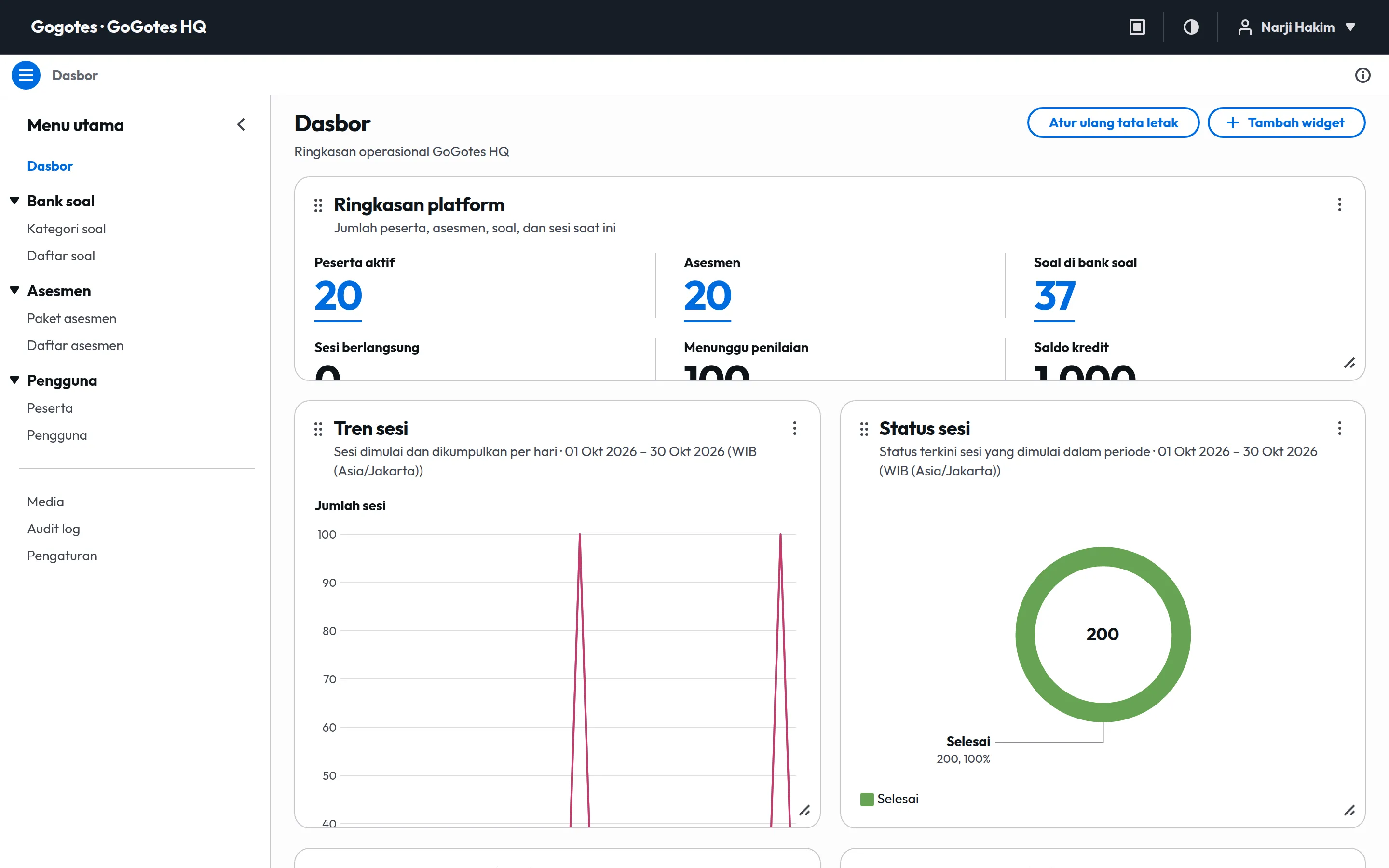
One organization, many managers
Invite admins and operators, set how the candidate portal looks, and track every change in the audit log.
- Portal address
- your-organization.gogotes.com
- Data isolation
- All data belongs to one organization
- Administrator and Operator roles
- Logo, favicon, colors, and an academic, commercial, or corporate portal mode
- Organization time zone and language
- Audit log of every data change, and notifications in the console
- Dashboard with summaries, schedules, score distribution, and marking queue
Data export
Exports ready for analysis
Export sessions, candidates, exams, packages, questions, users, and audit logs. Files are processed in the background and you get a notification when they are ready.
- Formats
- CSV, JSON Lines
- Data
- Sessions, candidates, exams, packages, questions, users, audit logs
- CSV with a UTF-8 BOM so it opens correctly in Excel
- JSON Lines for scripts and other systems
- Every timestamp in your organization time zone and in UTC
- List filters and sorting carry over to the export file
In progress
What we are building
These features are not available yet. We announce them on the blog when they ship.
- Coming soon
AI question import
Turn PDF or Word documents into questions in your bank.
- Coming soon
Camera proctoring
Periodic camera snapshots and face detection during exams.
- Coming soon
Strict exam mode
Required fullscreen, multi-monitor blocking, and Safe Exam Browser.
- Coming soon
Live monitoring
A monitoring room that updates candidate status in real time.
- Coming soon
Certificates & result sheets
Certificates and PDF result sheets generated automatically.
- Coming soon
Automatic payments
Credit top-ups with QRIS and virtual accounts.
Try every feature with no subscription
Sign up free and prepare your first exam. Credits are only used when candidates sit the exam.